Custom Gaming Computer Repairs & Thermal Tuning in Brisbane
Specialist diagnostics for enthusiast PC builds, competitive esports rigs, and creator workstations. From RTX 4090/4080 black-screen crashes and AIO liquid cooling cavitation to DDR5 EXPO boot loops and severe thermal throttling. Custom desktop PC bench diagnostics: $50–$150 depending on computer and model (100% credited towards your repair) with zero call-out charges across Greater Brisbane.
Diagnosing Gaming Lag, Roblox/Fortnite Stutter & 100% CPU Spikes
Nothing destroys competitive momentum faster than sudden frame rate dips, audio cracking on Discord, and micro-stutters during intense team fights. Here is how our laboratory isolates whether your lag is caused by thermal throttling, memory channel bottlenecks, or GPU voltage droop.
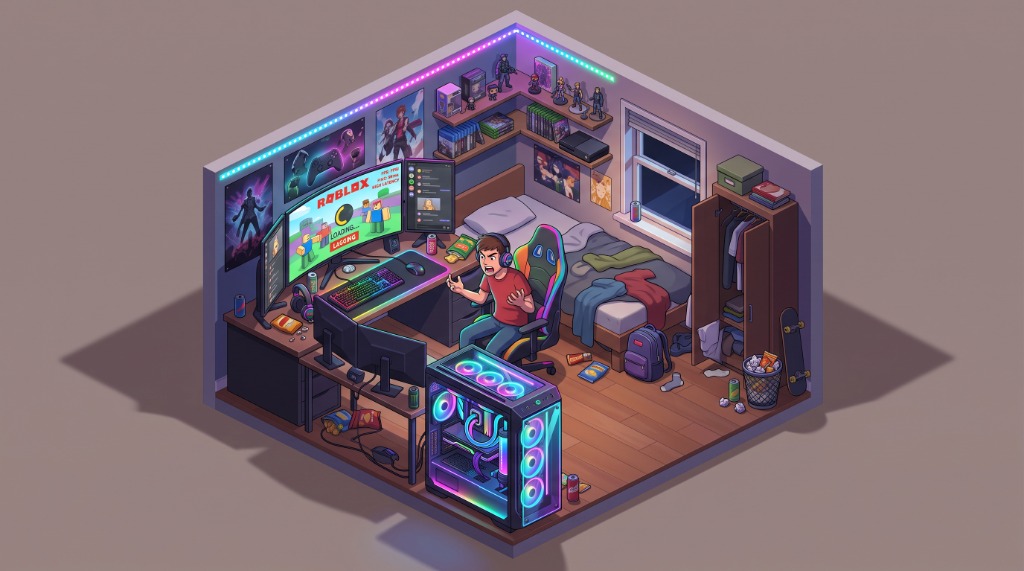
CPU Thermal Throttling (Clock Halving)
When CPU core temps touch 95°C–100°C due to dried thermal paste or AIO pump vapor locks, PROCHOT signals trigger instantly. The processor drops from 5.4GHz boost down to 2.2GHz base clock, producing violent 100ms stutter hitches.
Single-Channel RAM & IMC Bandwidth Starvation
Running a single DDR5 stick or improper slot pairing (Channels A1/B1 vs A2/B2) cuts memory bandwidth in half. In high frame-rate titles (Roblox, CS2, Fortnite), CPU physics engines choke, causing severe FPS 1% low drops.
RGB Suite Telemetry & DPC Latency Spikes
Rogue background utilities (iCUE, Armoury Crate, Razer Synapse) constantly poll motherboard hardware buses. High Deferred Procedure Call (DPC) latency disrupts audio output and induces micro-stuttering during gameplay.
GPU 12VHPWR Voltage Droop & VRAM Heat
Heavy cards (RTX 4070Ti/4080/4090) thermal throttle if GDDR6X VRAM pads sweat out or the 12VHPWR connector experiences micro-arcing. Voltage drops force the GPU core to aggressively downclock under heavy load.
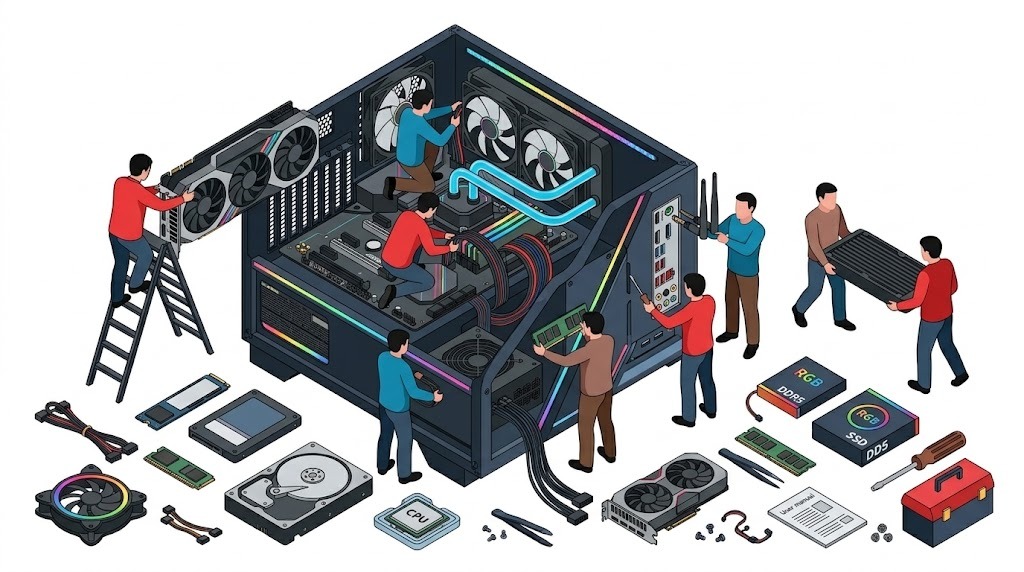
Inside Modern High-Performance Gaming Systems
Modern gaming rigs pack high-wattage components into tight enclosures. A single loose 12VHPWR pin or misplaced AIO radiator can cause catastrophic performance drops.
GPU & PCIe 5.0 Bus Stability
Heavy cards (RTX 4080/4090, RX 7900 XTX) suffer from physical GPU sag that cracks surface-mount BGA solder balls. We inspect PCIe locking latches, thermal pad contact on VRAM, and verify full 12VHPWR terminal seating.
AIO Liquid Cooler & Radiator Orientation
Mounting a radiator lower than the CPU block traps air bubbles in the pump chamber, causing bearing burnout and 95°C thermal runaway. We align top-exhaust or front-mount tubes-down for optimal hydrodynamic flow.
CPU Socket & Contact Frame Pressure
LGA1700 (Intel 13th/14th Gen) and AM5 (Ryzen 7000/9000) CPUs suffer from socket bending under stock ILM pressure. We install CNC anti-bending contact frames to ensure 100% flat cold-plate mating and drop temps by up to 7°C.
DDR5 XMP & EXPO Memory Tuning
Running 4 sticks of high-speed DDR5 (6000MHz+) often overwhelms integrated memory controllers (IMC), causing WHEA errors and game crashes. We configure stable 2-DIMM dual-channel kits with matched sub-timings.
ATX 3.0 / PCIe 5.0 Power Delivery
Micro-transient power spikes (up to 200% rated TDP for 10ms) trip safety switches on older power supplies. We test 12V voltage ripple and install dedicated 600W native PCIe 5.0 cables with gold-plated terminals.
Direct-Die & High-End TIM Application
Stock pre-applied pastes degrade quickly in Brisbane's heat. We repaste with industrial-grade non-conductive phase-change materials (PTM7950) or Noctua NT-H2 to eliminate hot spots and prevent pump-out.
How to Keep Your Gaming PC 100% Dust-Free
Brisbane's humid subtropical climate turns everyday household dust into sticky, conductive grime that clogs radiator fins and coats motherboard traces. Follow this laboratory protocol to keep your gaming PC pristine year-round.
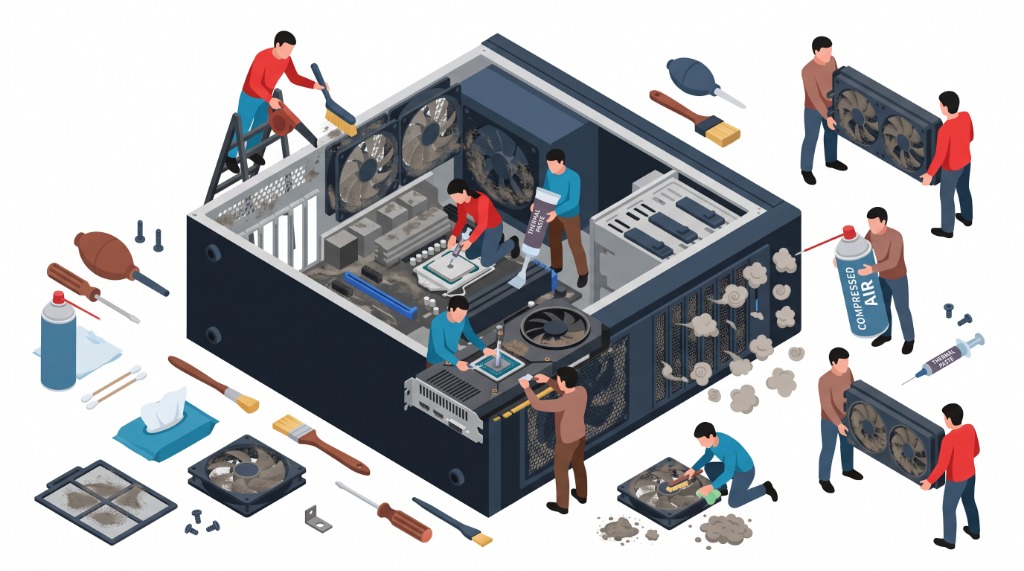
Always set your total intake CFM higher than your exhaust CFM (e.g., 3 front 140mm intake fans vs. 1 rear + 2 top exhaust fans). This creates positive internal atmospheric pressure, forcing clean air out of every unsealed seam, thumb-screw hole, and PCIe expansion slot. If you have negative pressure, your PC behaves like a vacuum cleaner, sucking dust in through every unfiltered gap.
When cleaning fans with compressed air or an electric duster, always hold the fan hub or blades stationary with a finger or zip-tie. Forcing fan blades to spin at 8,000+ RPM turns the brushless DC motor into a dynamo generator, inducing back-EMF electrical voltage directly into the motherboard PWM header that can fry the Super I/O chip.
Power supply intake fans are mounted facing downward at the bottom of modern towers. Placing your rig directly on carpet sinks the case feet into the carpet pile, completely suffocating the power supply intake. Over time, the PSU pulls in carpet fibers, causing severe internal coil overheating and sudden shutdown during gaming sessions.
| Airflow Strategy | How It Works | Dust Ingress Risk | Thermal Performance | Technician Recommendation |
|---|---|---|---|---|
| Positive Airflow (Optimal) | Intake CFM > Exhaust CFM. Filtered air is forced into the chassis faster than exhaust fans can expel it. | Near Zero. Air escapes through case cracks, keeping dust out. | Excellent GPU & VRM cooling when front mesh intakes are unobstructed. | Recommended for 95% of Brisbane gaming rigs. Wash intake mesh every 90 days. |
| Negative Airflow (Common Mistake) | Exhaust CFM > Intake CFM. Exhaust fans suck air out faster than intake filters can supply. | Severe. Sucks dust in through rear PCIe slots, front I/O ports, and cracks. | Slightly cooler CPU temps on open benches, but creates heavy internal dust blankets. | Avoid. Requires monthly deep internal vacuuming and repasting. |
How to Maintain CPU & GPU at Ultra-Low Temperatures
Brisbane summers frequently reach 35°C ambient temperatures with 75% relative humidity. When ambient air is hot, your cooling system has a significantly lower thermal delta. Here is how our lab ensures rigs run under 70°C even under 100% stress tests.
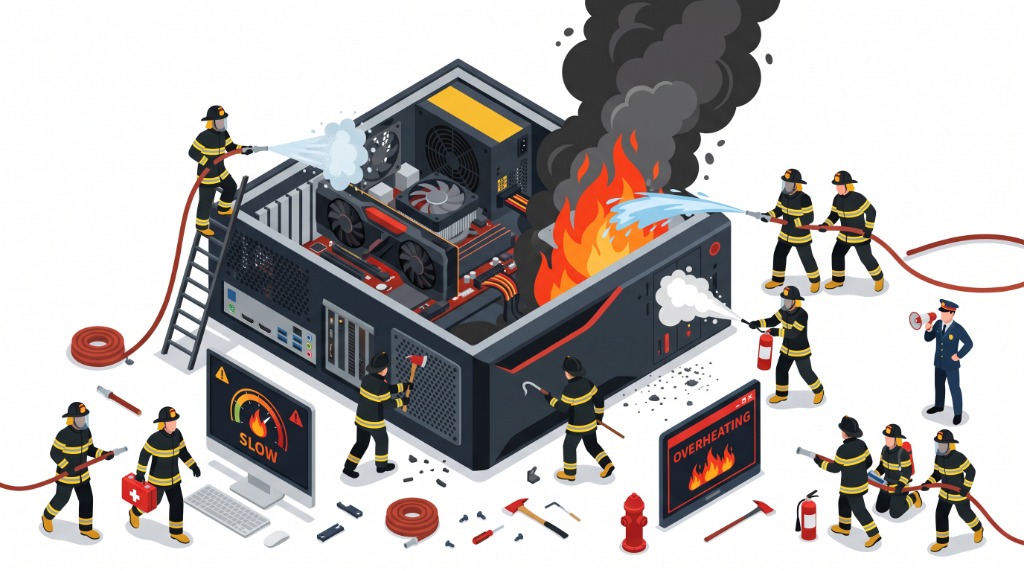
Standard silicone-based thermal pastes suffer from the thermal pump-out effect: the cyclic expansion and contraction of the silicon die squirts the paste out to the edges over 6–12 months, leaving the center die dry and causing sudden 95°C thermal spikes. We utilize Honeywell PTM7950 phase-change material or Noctua NT-H2, which liquefies at 45°C to fill microscopic cold-plate fissures and never pumps out.
Liquid cooling loops contain a small volume of air by design. The pump block must never be the absolute highest point of the loop. If mounted with the radiator at the bottom of the case, air bubbles will migrate directly into the pump chamber, causing impeller dry-running, audible grinding noises, and sudden pump failure. Top-mounted radiators with fans exhausting out are thermodynamically superior.
Modern GPUs (NVIDIA RTX 40-series and AMD Radeon 7000-series) ship with aggressive voltage curves from the factory to guarantee stability across lower-grade silicon. By tuning the voltage-frequency curve in MSI Afterburner (e.g. locking 2650MHz at 925mV instead of 1050mV), you can reduce power draw by 50–80W and drop temperatures by 8°C–14°C while maintaining identical framerates.
The Real Risks of Overclocking Gaming PCs
Enthusiast forums make manual overclocking sound like free performance. In reality, on modern 5nm and 4nm semiconductor architectures, aggressive manual overclocking carries severe financial and operational hazards.
Pushing excessive continuous core voltage ($V_{\text{core}} > 1.35\text{V}$ on modern Intel or AMD chips) accelerates electromigration: high-density electron flow physically dislodges metal atoms inside microscopic nanometer-scale transistors. Over months, your CPU degrades until it can no longer maintain stock clock speeds without crashing, requiring permanent downclocking.
When tuning RAM sub-timings too tight or pushing DDR5 past stability thresholds, memory errors don't always trigger an immediate Blue Screen (BSOD). Instead, the system writes bit-flipped, corrupted data to your NVMe SSD in the background. Over weeks, your Windows system registry, DLL files, and game saves silently rot, eventually requiring a complete OS reinstall.
Budget and mid-range motherboards (B650, B760, older B550) lack heavy heatsinks on their Voltage Regulator Modules (VRMs). Sustained high-voltage overclocks cause MOSFET surface temperatures to exceed 115°C, triggering aggressive thermal throttling or blowing power stages that permanently kill the motherboard and sometimes short out the CPU.
Common Gaming PC Problems We Solve In Brisbane
We carry specialized diagnostic equipment including PCIe bus testers, digital oscilloscopes, and thermal cameras directly to your home.
💥 WHEA Uncorrectable Error & Kernel-Power 41
Sudden reboot without warning during gaming. We test memory IMC voltages, power supply transient response, and SSD controller health to eliminate random crashes.
🖥️ GPU Black Screen & Fans at 100%
Display drops signal mid-game while Discord audio continues. Caused by 12VHPWR sense-pin communication loss, cracked PCB traces near the PCIe latch, or dried thermal pads.
💧 AIO Pump Failure & 95°C Thermal Runaway
CPU temperature reaches 90°C–100°C at desktop idle while radiator fans blow cold air. We diagnose pump tachometer failure, clear air locks, or replace the cooler on-site.
📉 Stuttering, Micro-Freezes & 1% Low FPS Drops
High average FPS but unplayable micro-stutters in Warzone, Valorant, or Fortnite. We eliminate DPC latency spikes, clean audio driver conflicts, and optimize PCIe link states.
⚙️ Custom PC Assembly & First-Boot Debug
Bought parts from Umart, Scorptec, or Computer Alliance? We perform complete white-glove assembly, clean cable management, BIOS updates, and XMP memory stabilization.
🛡️ GPU Sag & Snapped PCIe Slot Repair
Heavy 3-slot graphics cards can shear motherboard PCIe retaining brackets. We reinforce the mounting slot, align anti-sag brackets, and restore full x16 lane bandwidth.
📍 Gaming PC Mobile Service Area Across Greater Brisbane
No call-out fee for mobile on-site technician visits to your home or university accommodation across all Brisbane suburbs:
Custom Desktop PC Performance Upgrades & Thermal Tuning
Is your gaming desktop getting loud, running hot, or struggling to sustain high frame rates in modern titles? We bring certified workshop-grade upgrades directly to your home across Brisbane. Zero retail parts markup — you pay wholesale or retailer price for parts, plus our transparent flat labour rate.
Full teardown of CPU cooler & GPU heatsink. Ultrasonic cleaning of clogged radiator/heatsink fins, installation of Honeywell PTM7950 phase-change pads on CPU/GPU cores, and K5 Pro / premium thermal pads on VRMs and VRAM chips.
- 8°C–15°C temperature reduction under load
- Zero thermal pump-out degradation over time
- Full PWM fan curve recalibration for whisper-quiet idle
Upgrade noisy stock air coolers to high-performance closed-loop liquid cooling (Corsair, NZXT, DeepCool, Arctic Liquid Freezer III). Precision hydrodynamic top-exhaust mounting with zero trapped air bubbles and pump header configuration.
- Maintains Intel i7/i9 & AMD Ryzen 7/9 below 75°C
- Proper pump RPM header & SATA power wiring
- 20-minute AIDA64 / Cinebench thermal burn-in validation
Replace Intel's defectively uneven stock ILM clamp with a precision CNC aluminum Thermalright / Thermal Grizzly contact frame. Eliminates concave heatspreader bending to guarantee 100% flat cold-plate mating.
- Drops peak CPU temps by 5°C to 8°C instantly
- Prevents long-term motherboard socket PCB warping
- Torqued with precision hex bit to factory spec
Eliminate 1% low frame-rate stuttering by upgrading to matched dual-channel 6000MHz+ CL30 DDR5 memory with tuned XMP/EXPO sub-timings. Plus lightning-fast 7000MB/s+ PCIe 4.0/5.0 NVMe SSD cloning.
- Doubles memory bandwidth for Roblox, CS2 & Fortnite
- Zero data loss: 100% identical sector-by-sector OS cloning
- Memory diagnostic stress test (TestMem5 / MemTest86)
Frequently Asked Questions: Gaming PC Repairs
Honest answers about hardware pricing, diagnostic turnaround times, liquid cooling safety, and on-site visits.