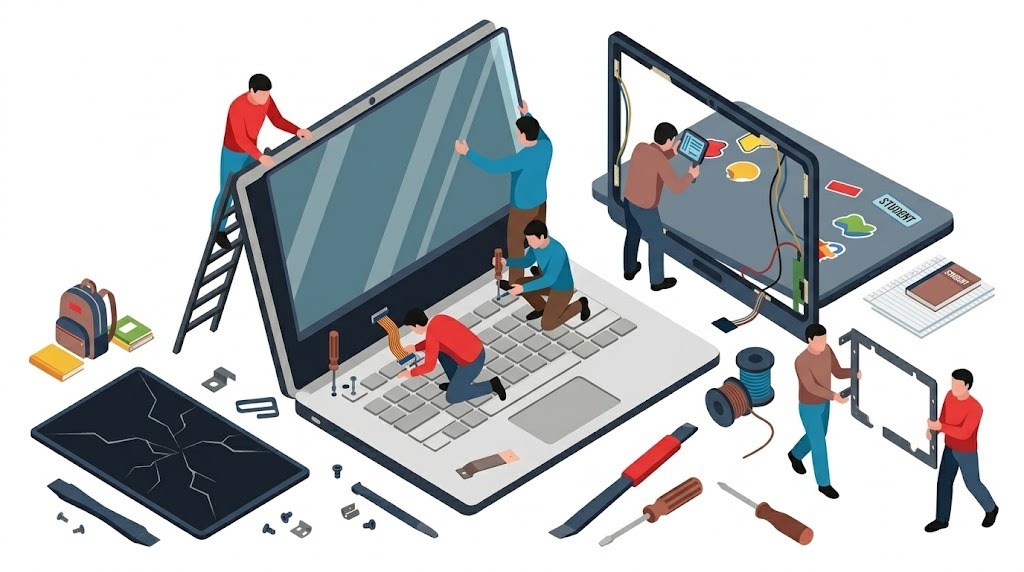
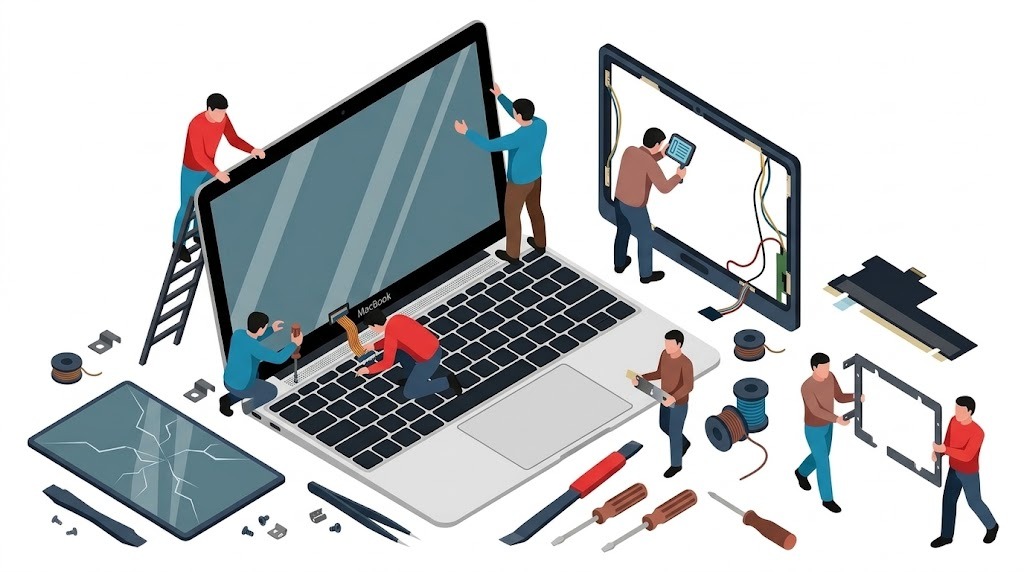
Cracked glass, black screens, purple vertical lines, or distorted LCD bleeding? We replace damaged laptop displays across Greater Brisbane with genuine OEM and Grade-A+ panels. From Apple Silicon Liquid Retina XDR assemblies to Lenovo, Dell XPS, HP, ASUS ROG & Acer 144Hz–240Hz gaming displays, experience transparent flat-fee pricing ($150–$170 labor) and zero markup on parts.
🛡️ 12-Month Hardware Guarantee✅ ABN: 98 288 669 674 ↗✨ True Tone & Sensor Calibration⚡ Same-Day In-Home or Workshop Turnaround⭐ 4.9 Star Verified Google Reviews
🔧 Component-Level Diagnostics
The Engineering Behind a Flawless Screen Replacement
Replacing a modern laptop screen is far more sophisticated than simply unscrewing a plastic bezel. Contemporary ultra-thin laptops feature eDP (embedded DisplayPort) micro-coaxial ribbon cables, 30-pin (Full HD 60Hz) vs 40-pin (QHD, 4K, or 144Hz–240Hz gaming) pinout architectures, and perimeter tension-release adhesive strips. A single misstep—such as connecting an LCD panel without completely isolating the lithium battery—can instantly blow the motherboard's microscopic 0402 SMD backlight fuse, turning a simple screen swap into an expensive micro-soldering ordeal.
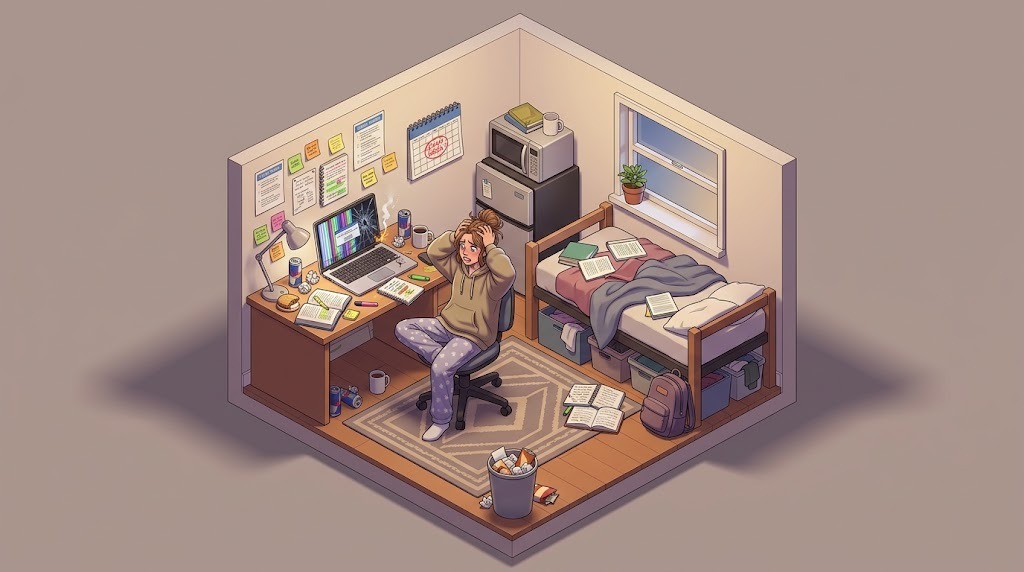
Cracked Screen Before an Exam or Assignment Due Date?
We understand the sheer panic of cracking your laptop screen at 11 PM in your dorm room with a major university assignment due the next morning. Our mobile technician provides emergency priority dispatch across UQ St Lucia, QUT Kelvin Grove, QUT Gardens Point, and Griffith South Bank/Nathan.
🎓 Priority Student Dispatch
Immediate Emergency Workaround Protocol
If your display is cracked or showing inky purple bleeding lines, your coursework, photos, and assignments are almost certainly 100% safe on your internal SSD. When you call us for an emergency repair in St Lucia, Toowong, or Kelvin Grove:
🖥️
1. Instant External Monitor Bridge
We immediately hook your laptop to an external desktop display or HDMI bridge on-site, allowing you to submit your assignment on time without delay.
⚡
2. Same-Day Panel Swap
If your laptop uses a standard 14.0" or 15.6" 30-pin IPS panel, we complete the physical screen replacement right at your desk within 45 minutes.
💰
3. Student-Friendly Flat Rate
Transparent flat labor fee ($150–$170) with zero hidden travel charges or diagnostic traps. Verified wholesale part pricing with client pre-approval.
🍎 Dedicated Apple Silicon Lab
MacBook Screen Replacement: Full Display Assemblies & True Tone
Why does Apple quote $900 to $1,400+ to fix a cracked MacBook screen? Independent repair provides the identical factory-spec Grade-A+ display assembly at a fraction of the cost, installed with surgical cleanliness and full sleep-wake sensor recalibration.
⚡ Precision Apple Hardware Bench
Why Full Assembly Replacement is the Only Professional Standard
On all MacBooks manufactured after 2016 (M1, M2, M3, M4 Air and Pro models), attempting to peel and delaminate only the thin front glass creates uneven backlighting, micro-scratches on delicate polarizing films, and permanent light leakage in corners. We install complete, factory-calibrated OEM Display Top Assemblies complete with matching anodised aluminum housings (Space Grey, Silver, Midnight, Starlight), integrated iSight cameras, and True Tone ambient light sensors.
📐
LID Angle Sensor Recalibration
Modern M2, M3, and M4 MacBooks incorporate an ultra-precise magnetic lid-angle sensor. We calibrate the sensor angle so macOS Sonoma and Sequoia sleep and wake flawlessly when you shut the lid.
🌈
Liquid Retina XDR Mini-LED Mastery
On 14-inch and 16-inch MacBook Pro models (A2442, A2485, A2779, A2780, A2918, A2992), we service advanced Mini-LED panels, ensuring ProMotion 120Hz smooth scrolling and 1,600 nits peak HDR brightness.
📋 Comprehensive Compatibility Directory
Supported Laptop Models & Display Technologies
We service and supply replacement screens for virtually every major laptop manufacturer in the Australian market. Below is our verified model compatibility index:
Technician Note: All MacBook screen replacements include internal dust cleaning, hinge alignment, sleep sensor validation, and display cable strain relief.
Technician Note: We replace matte anti-glare business displays (300 to 500 nits) as well as eDP 40-pin 165Hz Legion gaming screens with zero color banding.
Technician Note: Dell XPS InfinityEdge panels require millimeter-precise perimeter tape tension to prevent light leakage along ultra-narrow bezel edges.
💻 HP Spectre, Envy, Pavilion, OMEN & EliteBook
OLED, x360 Touch & QHD High-Refresh
Spectre & Envy: Spectre x360 13, 14, 15, 16 (OLED & 4K touch digitizers), Envy 13, 15, 16, x360 2-in-1Pavilion & Aero: Pavilion 14, 15, 15-eg, Aero 13 (ultra-lightweight magnesium lid panels), Plus 14OMEN & Victus Gaming: OMEN 16, 17, Transcend 16 (QHD 165Hz/240Hz), Victus 15, 16EliteBook & ProBook: EliteBook 840 G7/G8/G9/G10, 850, 1040, ProBook 440, 450, 430, ZBook Studio
Technician Note: HP x360 touch models feature fused active digitizers. We replace the unified touch-glass and LCD sub-assembly to restore pressure-sensitive stylus support.
Technician Note: ASUS gaming laptops often feature high-stress zinc-alloy hinges. We inspect and loosen overtightened factory hinge nuts to eliminate future display cracking.
💻 Acer, MSI, Razer Blade, LG Gram & Samsung Galaxy Book
Technician Note: Razer Blade and MSI Stealth chassis utilize ultra-dense internal packaging. We use thermal insulation tape over all eDP grounding clips to prevent RF interference.
Why We Transparently Do NOT Repair Microsoft Surface Laptops
Unlike Apple MacBooks, ThinkPads, and Dell XPS laptops which are designed with accessible internal Torx screws and service brackets, Microsoft Surface Pro tablets and Surface Laptops are assembled with industrial perimeter structural epoxy. Opening a Surface unit requires heating the chassis to temperatures that weaken internal lithium batteries, inevitably bending the paper-thin magnesium housing and tearing fragile antenna ribbons. To maintain our spotless reputation for flawless, factory-grade repairs with genuine warranties, we do not perform glued Surface screen repairs and honestly advise customers to pursue manufacturer whole-unit exchange.
🔍 Failure Mode Diagnostics
Diagnosing Your Laptop Screen Problem
Not all screen problems look the same. Review our technical guide below to understand what happened to your display panel:
🕷️
1. Spiderweb Cracks & Inky Bleeding Ink
Cause: Physical impact, dropped laptop, or closing the lid on a pen, charging cord, or USB drive. The inner liquid crystal matrix has ruptured, leaving black circular pools and jagged fractures. Requires full panel replacement.
📊
2. Vertical Solid Green, Pink or Purple Lines
Cause: COF (Chip-on-Film) bonding degradation. The microscopic flexible circuits bonding the glass to the lower controller board have micro-fractured due to chassis torsion in a backpack. Requires new panel.
💡
3. Dim Screen / Faint Image (No Backlight)
Cause: If shining a flashlight on the screen reveals a faint desktop image, your LCD is functioning, but the backlight circuit is open. Usually caused by a severed hinge cable or a blown 0402 SMD motherboard fuse.
⚡
4. Flickering Screen When Adjusting Lid Angle
Cause: Pinched or fatigued eDP display ribbon cable passing through the internal steel hinge barrel. Replacing or reseating the display cable stops the intermittent blackouts and signal drops.
⚪
5. White Watermarks & Pressure Bruises
Cause: Excessive point-pressure on the outer lid (e.g. heavy books placed on top of laptop). The internal diffusion reflector sheets have been compressed, creating permanently bright white spots on light backgrounds.
🪛
6. Broken Plastic Hinges Tearing Display Casing
Cause: Seized factory steel friction hinges pulling brass knurled nuts out of plastic palmrests. We rebuild the broken anchor housings with industrial epoxy to protect the new screen from cracking.
💰 Transparent Pricing Structure
Fair Flat-Fee Labor + Wholesale Part Costs
We believe in complete pricing transparency. You never pay arbitrary markup on parts or surprise call-out fees:
Service Category
Labor Fee
Typical Part Cost
Turnaround Time
Warranty
Standard Laptop Screen (14" / 15.6" Full HD IPS) HP, Dell Inspiron, Lenovo IdeaPad, Acer Aspire
ℹ️ Diagnostic Fee Policy: While standard on-site display inspections have zero diagnostic fees, liquid damaged laptops and custom desktop PCs require extensive bench teardown and carry a dedicated diagnostic fee of $50 to $150 depending on computer and model (which is 100% credited towards your repair invoice if you proceed).
📍 Greater Brisbane Coverage
Mobile In-Home & Workshop Screen Repairs Across Brisbane
We come directly to your home, office, or university campus across all Brisbane metropolitan sectors with zero call-out fee:
Brisbane CBD (4000)South Brisbane (4101)West End (4101)Highgate Hill (4101)New Farm (4005)Teneriffe (4005)Newstead (4006)Fortitude Valley (4006)Spring Hill (4000)Kangaroo Point (4169)East Brisbane (4169)
🌳 Northern Suburbs
Kelvin Grove / QUT (4059)Herston (4006)Windsor (4030)Wilston (4051)Newmarket (4051)Ashgrove (4060)Grange (4051)Chermside (4032)Stafford (4053)Everton Park (4053)Lutwyche (4030)Clayfield (4011)Hamilton (4007)
🌴 Southern Suburbs
Woolloongabba (4102)Dutton Park (4102)Annerley (4103)Fairfield (4103)Yeronga (4104)Greenslopes (4120)Coorparoo (4151)Carindale (4152)Holland Park (4121)Mount Gravatt (4122)Sunnybank (4109)Nathan / Griffith (4111)
❓ Frequently Asked Questions
Everything You Need to Know About Laptop Screen Repairs
Plain-English answers to the most common questions our Brisbane technicians receive:
How much does laptop and MacBook screen replacement cost in Brisbane?
Our labor is a transparent, flat $150 to $170 depending on chassis complexity. You only pay our flat labor plus the wholesale trade cost of the replacement display panel itself with zero markup. Standard 15.6" or 14" Full HD IPS panels typically cost $80–$140. High-refresh 144Hz–240Hz gaming panels range between $130–$220. Complete OEM MacBook display assemblies range from $280 to $520 depending on model (e.g. M1 Air A2337 vs M2/M3 Pro Liquid Retina XDR). We provide exact quotes before ordering any parts.
Can you replace just the cracked glass or does the entire MacBook display need replacement?
On all modern MacBooks (MacBook Air 2018–2026 and MacBook Pro 2016–2026, including M1, M2, M3, and M4 generations), the front glass, Liquid Retina LCD/Mini-LED matrix, backlight diffusion layers, ambient light sensor, and aluminium top cover lid are fused together in an optically clear autoclave bond. Replacing just the glass layer is not recommended by legitimate technicians because it introduces dust specks, adhesive bubbles, backlight unevenness, and warped corners. We replace the entire top display assembly to ensure factory-perfect cosmetic alignment, flawless True Tone color reproduction, and structural durability.
How fast can you replace my laptop screen? Is same-day repair available in Brisbane?
Yes! Common 14.0", 15.6", and 17.3" 30-pin and 40-pin Full HD IPS panels are routinely kept in workshop stock for same-day mobile or workshop replacement. If your laptop requires a specialized high-refresh gaming panel, 4K OLED matrix, or specific MacBook color-matched assembly (Space Grey, Silver, Midnight, Starlight), replacement panels are sourced overnight from local Australian distributor warehouses in Brisbane or Sydney, resulting in a fast 24-to-48 hour turnaround.
Will I lose my files, photos, or assignments during a screen repair?
Never. A screen replacement is purely a display hardware procedure that does not touch your SSD, hard drive, operating system, or user data. To provide immediate reassurance, we can plug your laptop into an external HDMI or USB-C monitor on-site so you can verify that your operating system boots, your desktop is completely intact, and all your files are safe before the new panel is installed.
Why do you explicitly NOT repair Microsoft Surface laptops?
Microsoft Surface Pro tablets and Surface Laptop models are engineered with extremely heavy industrial perimeter epoxy glue that bonds the display directly to ultra-thin magnesium alloy chassis walls without internal service screws. Opening a Surface laptop frequently bends or micro-fractures the delicate chassis, permanently damages the fragile thermal dissipation foam, and carries an unacceptable risk of secondary battery puncture. Because we guarantee professional, flawless, and long-lasting repairs, we transparently advise Surface owners to contact Microsoft directly for manufacturer whole-unit exchange rather than paying for compromised third-party glue jobs.
Why does my laptop screen show vertical colored lines or purple bars?
Vertical solid green, pink, or purple lines indicate a micro-fracture in the delicate Chip-on-Film (COF) bonding tapes that connect the glass LCD matrix to the internal timing controller (TCON) printed circuit board. This usually happens after an accidental pinch, closing the lid on a pen or charging cord, or torsional twist in a backpack. While the external glass might feel smooth to the touch, the internal micro-circuits are severed, requiring a complete display panel replacement.
My screen is completely black, but power lights turn on and fans spin. Is the screen dead?
Not necessarily. If shining a torch or smartphone flash at the screen reveals a faint desktop image, your display LCD is working, but the high-voltage LED backlight circuit has failed (often due to a blown 0402 SMD backlight fuse or severed eDP backlight line in the hinge). If the external monitor also shows no video, the issue could be corrupted RAM or BIOS. We run complete hardware diagnostics to pinpoint whether the panel, cable, or motherboard is at fault before any replacement is ordered.
Can you fix broken plastic hinges that are tearing the screen casing apart?
Yes! Broken hinge anchor points are one of our core specialties. Modern thin laptops frequently use rigid steel hinges screwed into tiny brass nuts pressed into brittle plastic palmrests or display covers. When the plastic fractures, opening the lid flexes the screen panel directly, threatening to snap the glass. We reconstruct and re-anchor fractured hinge housings using industrial structural epoxy compounds, lubricate stiff steel friction hinges to optimal tension, and save you from buying an expensive new chassis assembly.
Do you offer emergency on-site laptop repair for university students in Brisbane?
Yes! We provide priority emergency dispatch to student residences, colleges, and shared houses across UQ St Lucia, QUT Kelvin Grove, QUT Gardens Point, and Griffith Nathan/South Bank. If you break your screen right before an exam, thesis submission, or assignment deadline, we can hook you up to an external workstation on-site immediately and fast-track your screen replacement.
Do you provide insurance claim damage assessment reports for dropped laptops?
Yes. If your laptop was dropped down stairs, damaged by a child or pet, or damaged during travel, we provide formal written Itemized Damage Assessment Reports accepted by major Australian insurers (NRMA, RACQ, Suncorp, Allianz, Youi). Reports detail repairability, itemized part costs, fair market replacement value, and diagnostic proof.
Do free diagnostics apply to liquid damaged laptops or custom desktop PCs?
No. Liquid damaged laptops and custom desktop PCs require extensive bench teardown, ultrasonic cleaning, and microscopic PCB trace inspection under magnification to evaluate corrosion and short circuits. Liquid damaged laptops and custom desktop PCs carry a diagnostic fee of $50 to $150 depending on computer and model. If you proceed with the repair, this diagnostic fee is 100% credited towards your repair invoice.
Ready for a Crystal-Clear Screen Today?
Don't strain your eyes looking through cracked glass or annoying vertical lines. Get an instant, exact quote with zero hidden fees. Call technician Ike directly or send a quick photo of your laptop screen.